eZ Software Suite
Flight Test Configuration, Monitoring, and Data Processing Software
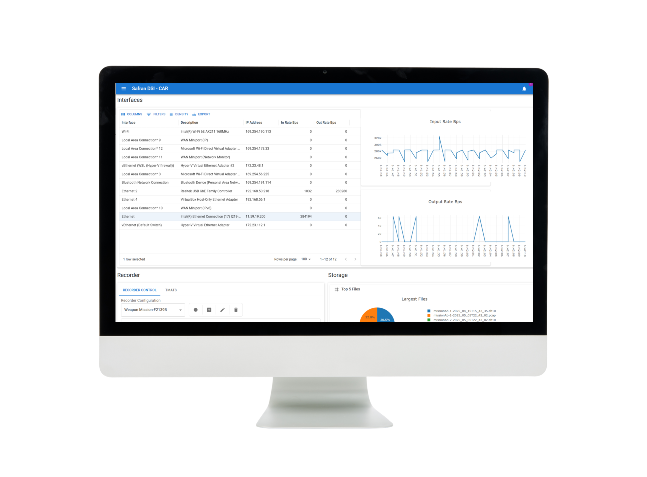
Configuring, managing, and integrating your flight test system are crucial steps for ensuring the success of your campaigns and achieving precise telemetry. eZ Software is your go-to solution. eZ includes:
1. eZ Set Up, Instrumentation Configuration Software
Configure from a single acquisition unit to a complete acquisition system within a network architecture.
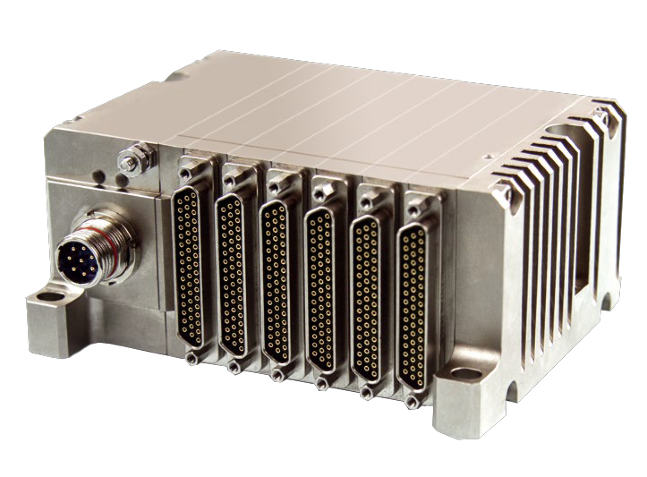
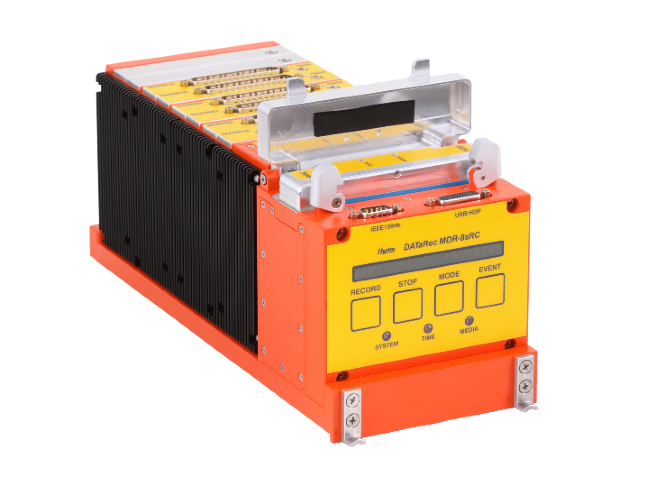
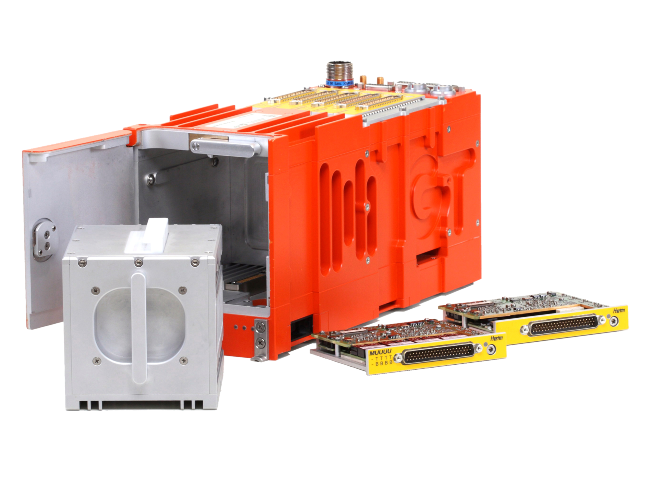
– Defining individual equipment (acquisition unit, recorders, switches, workstations, cameras) compatible with: XMA, MDR, MDR-GTS, GMDR
– Establishing network connections
– Conducting data acquisition (sensors and digital bus) at high and low levels, with an import function
– Manually or automatically generating output streams: PCM IRIG-106 Ch4, IRIG-106 Ch10, IRIG-106 Ch7, IENA, or DAR
– Configuring the complete system
– Real-time monitoring of the health of each component, down to measurement channel status
– Instant overview of acquired data (quick look)
– Recording of raw data
2. eZ Operation, On-Board Instrumentation Management & Control Software
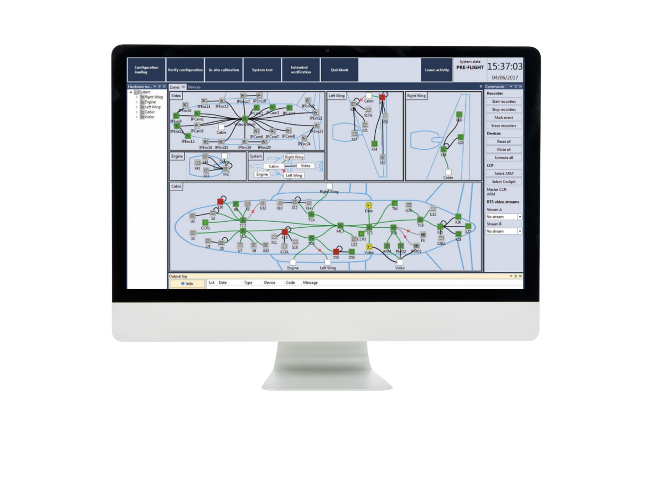
Advanced tool for centralized supervision and control of complex test systems from an onboard operator station.
– Streamlined setup of complex networks, acquisition units, recorders, and switches
– Real-time supervision through a synoptic view of the system, covering each acquisition unit, recorder, switch, as well as the network
– Consolidated system commands accessible on a single screen
– Synthesis of supervision data, generating report files that include reported alarms and events, along with the status of each equipment
– Real-time preview of the complete list of acquisitions (analog and digital)
– Centralized system monitoring
3. eZ Processing / Advantys, Data Display and Processing Software
Advanced functions for data display and processing.
– Real-time visualization of raw or processed parameters, either on board or on the ground, in a user-configurable graphical format
– Customized data replay with visualizations
– Real-time extraction and conversion of parameters into physical values, with or without applying a calibration function
– Creation of processed parameters through user functions in C language
– Configurable user alarms based on parameter value limits
– Recording of raw or processed data for future replay
– Automatic import of conversion tables by the eZ SetUp software, allowing users to focus on data analysis without the risk of errors
FEATURES - FLIGHT TEST SOFTWARE
COMPLETE SYSTEN SOFTWARE SUITE: Configuration, Monitoring, Decommutation, Processing and Visualization
EXTENDED CONFIGURATION FLEXIBILITY: End-to-End System from Data Acquisition Units to Data Visualization & Analysis
INTEGRATED TELEMETRY OUTPUTS: Compliant with IRIG 106, Chapter 4 / 7, / 10, IENA and DAR Network Standards
SIMPLE DATA MANAGEMENT: Data availability managed at high-level for one-click modification of data streams
FULL SPECTRUM OF INTERFACES: 10GigE, Video, Fiber Channel, ARINC 429, PCM, MIL-STD-1553, H.265 Video, Analog…
ENHANCED PRODUCTIVITY: Capture efficiently your needs and let the automated features propose you the best configuration settings